01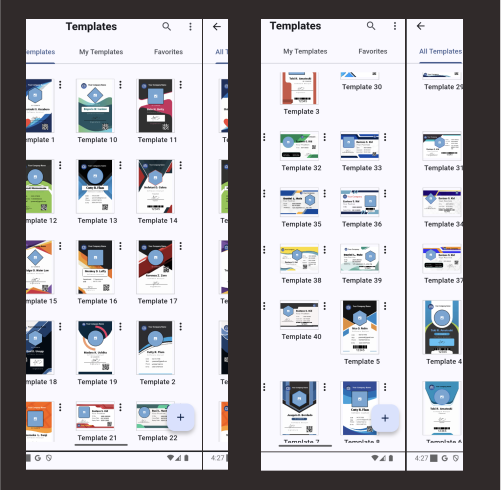
Start beautifully
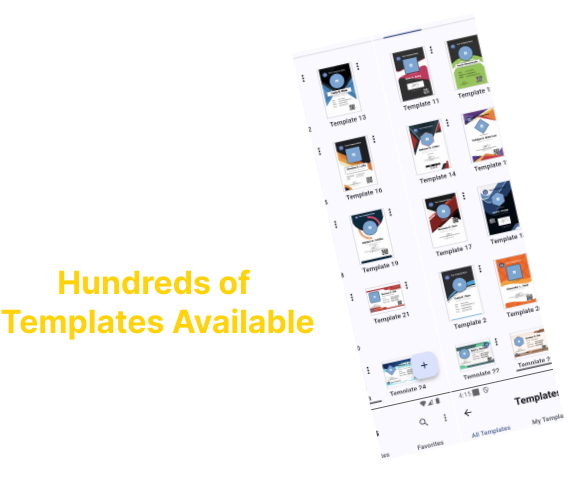
100+ templates for every occasion
Choose a polished starting point for schools, teams, companies, events, and communities—then make every detail your own.
Design, personalize, and print polished ID cards in minutes. Start with a template, import your data, and let ID Maker handle the repetitive work.



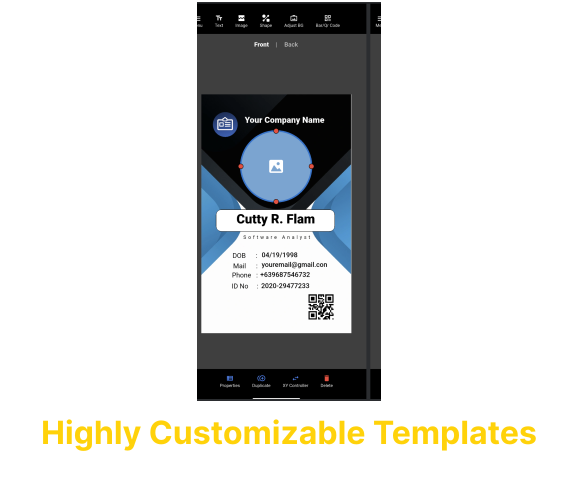
Powerful tools stay out of your way, so you can focus on creating IDs people are proud to wear.
Choose a polished starting point for schools, teams, companies, events, and communities—then make every detail your own.
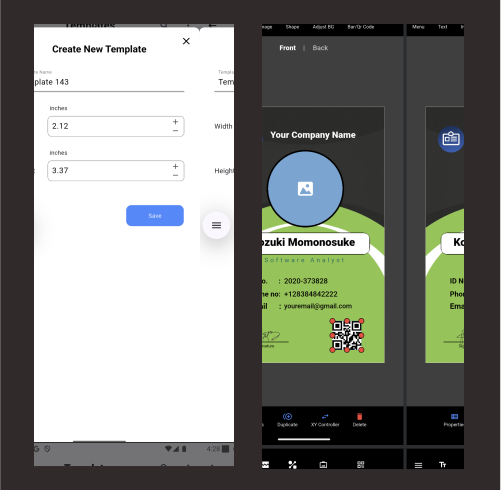
Build and save custom templates with your colors, fields, logo, and layout. Your next batch starts exactly where you left off.
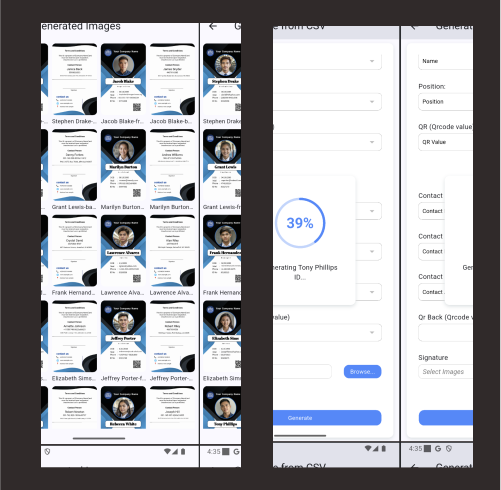
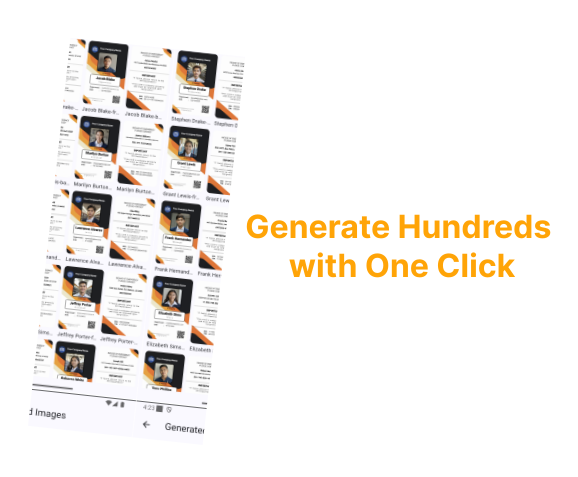
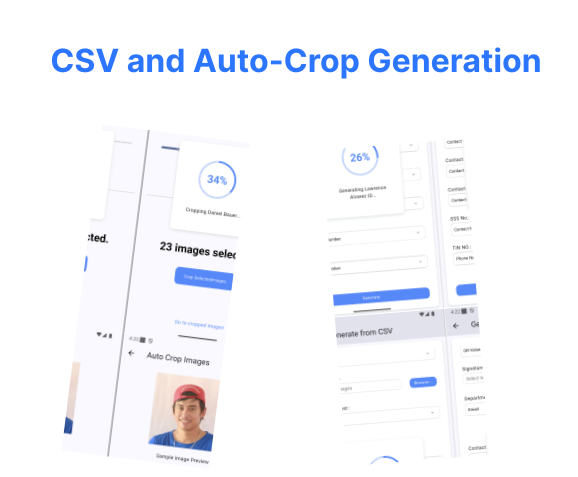
Import a spreadsheet and generate an entire set in one go. It is fast, consistent, and ideal for larger organizations.
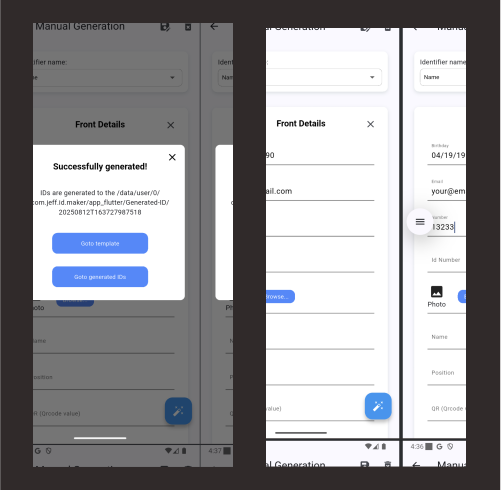
Making just a few cards? Enter details directly, preview changes instantly, and export without setting up a spreadsheet.
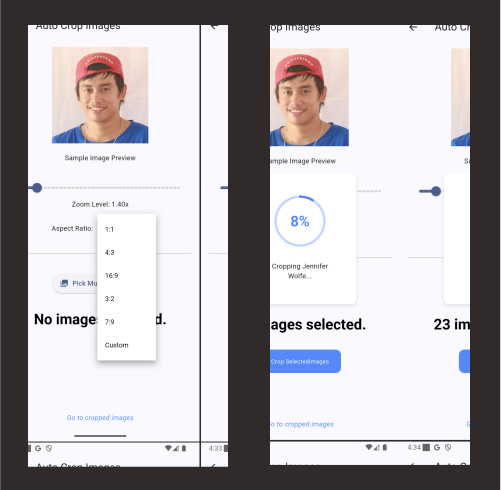
Bring photos in at any size. Face detection centers and crops portraits into consistent, professional headshots automatically.
No complicated setup and no steep learning curve.
Start from a professionally designed layout or open one you saved.
Enter them manually or import a CSV to create an entire batch.
Auto-layout aligns both sides so every card is ready to print.
Short, practical walkthroughs to help you get more from ID Maker.
 Ready when you are
Download ID Maker for free and turn hours of repetitive work into a few simple steps.
Choose your platform ↑